Why your chatbot's coupon code didn't work
A chatbot gave you a code and checkout said no. Here are the six usual reasons, how to tell which one hit you, and what to try next.
You asked a chatbot for a coupon code. It answered fast, sounded sure, and gave you something like SAVE20. You pasted it in at checkout and got the little red line: "This code isn't valid."
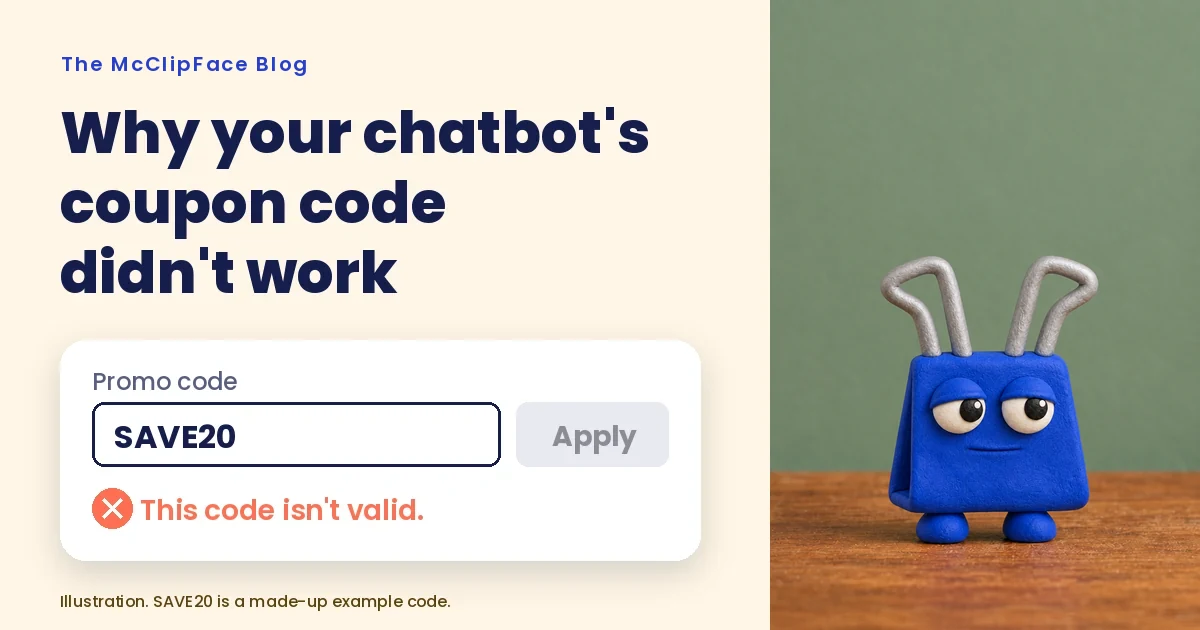
(SAVE20 is a made-up example. Please don't try it anywhere.)
If that's happened to you, you have company. This post covers why it happens, how to figure out which kind of "no" you got, and what to do next. It's a troubleshooting guide for after a code fails. If you want to know how McClipFace gives your AI a library of codes in the first place, start with How to find coupon codes with an AI assistant.
What one test found
On September 16, 2026, Coupons.com published a study of three popular AI chatbots. In early August 2026, testers asked each one for discount codes at 101 well-known US retailers. They used the no-cost version of each tool in incognito mode, then tried each code by hand at the store's real checkout.
Out of 689 codes, the study says "only 24.5% of the discount codes returned by the three tools combined were valid." Codes the testers couldn't settle either way were left out of that rate.
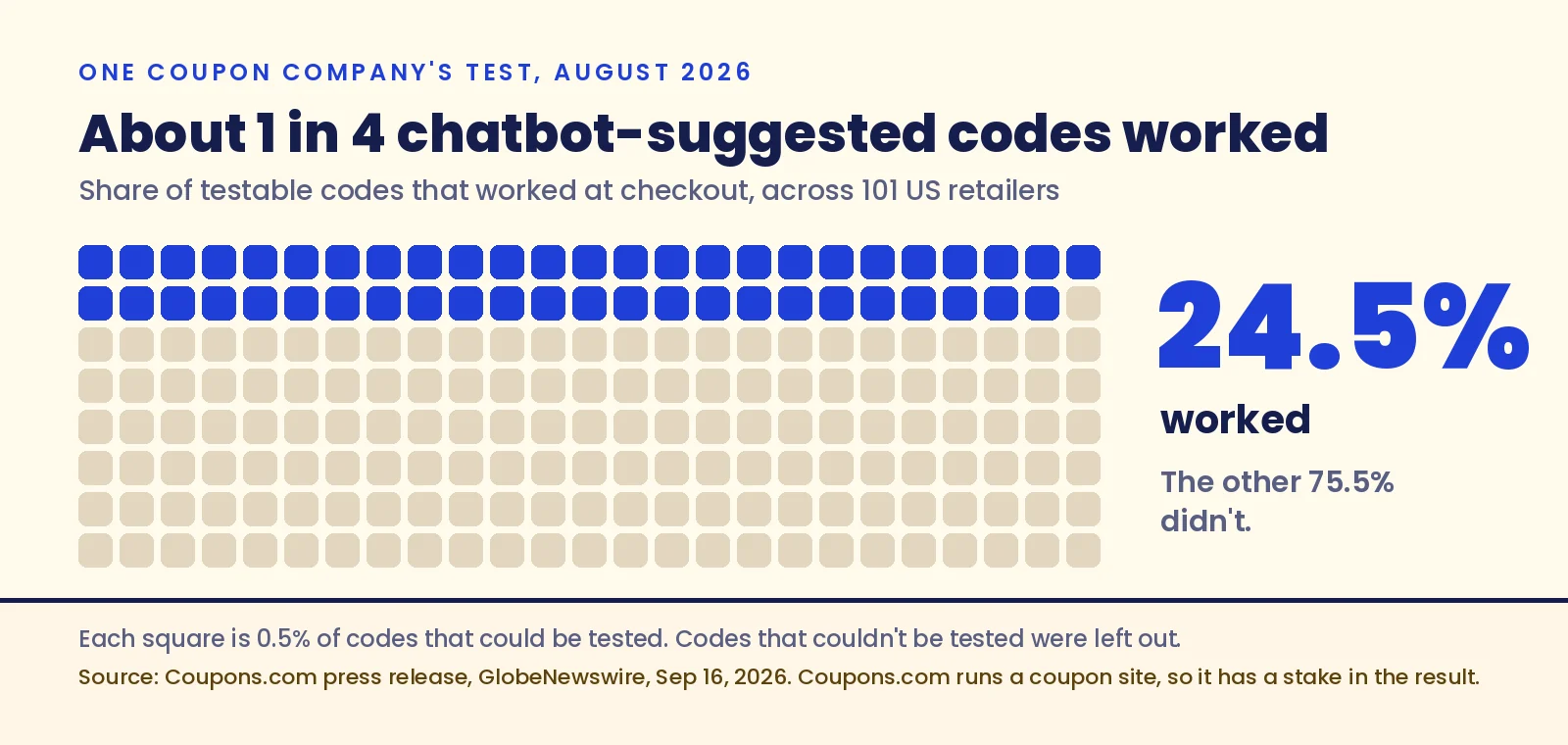
Keep the source in mind. Coupons.com runs a coupon site, and the release ends by pointing shoppers to it. It also says it blocks AI tools from scraping its pages, because that "severely impacts our ability to generate revenue." So it has a stake in the result. We still think the basic finding matches what a lot of shoppers see. One test, one month, one set of stores.
Alexander Ketter, Managing Director USA at Atolls, the company behind Coupons.com, put it this way: "this is a reminder not to blindly trust everything it tells you, or indeed to assume it's always the best tool for the job."
Six reasons a code fails
A chatbot writes answers from patterns in text. Some of that text is old coupon pages, forum posts and expired promos. When a code fails, it's usually one of these six things.
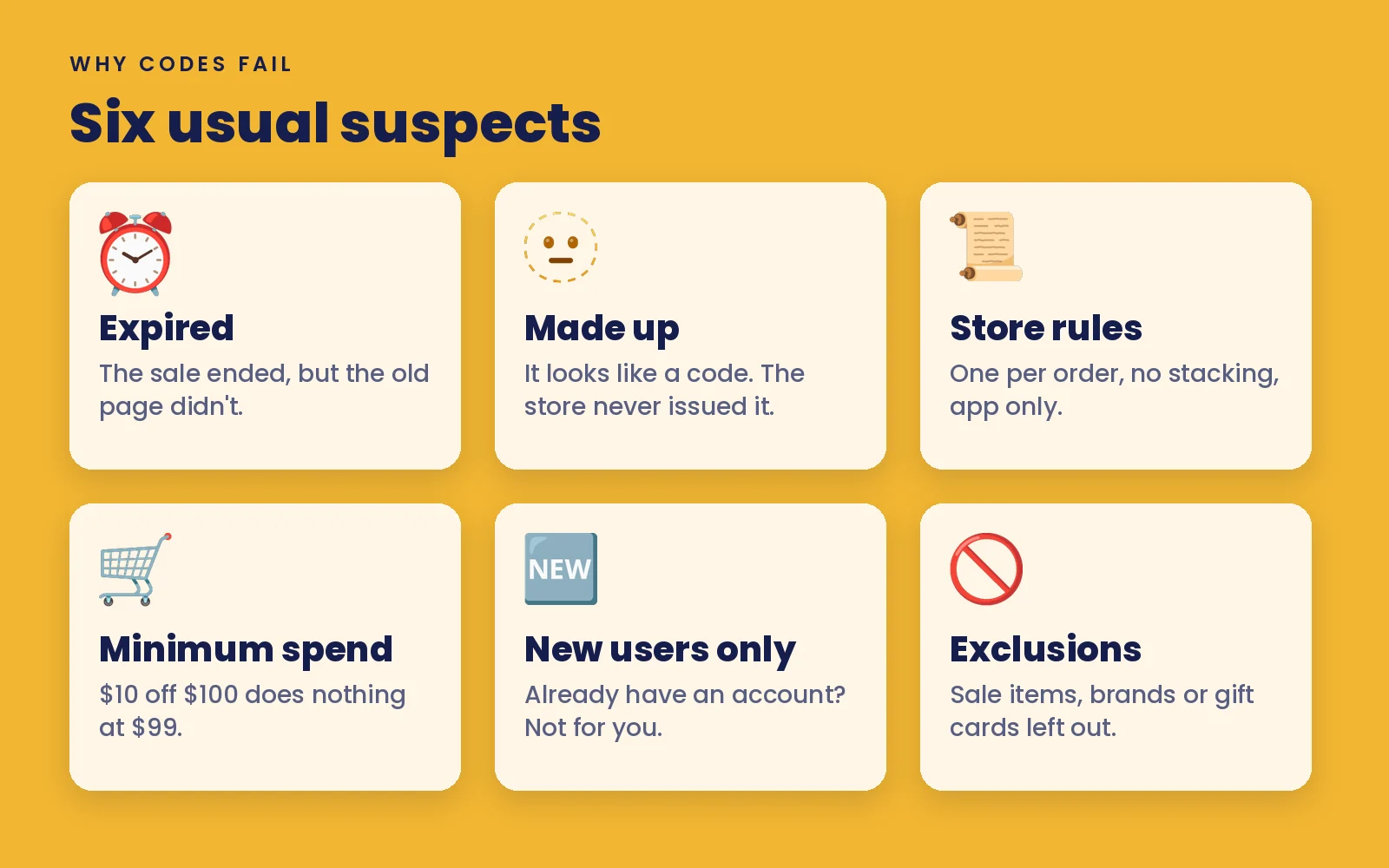
- Expired. The code was real once. It ran last spring, ended, and still sits on a page somewhere.
- Made up. The code looks right because it follows a common pattern, like a word plus a number. But the store never issued it.
- Store rules. Plenty of stores allow one code per order, or block codes when a sale is already on. A good code can still lose to the rules.
- Minimum spend. "$10 off orders over $100" does nothing for a $95 cart. Some stores count the subtotal before shipping and tax, so your total can look high enough when it isn't.
- New users only. Some codes only work on a first order or a brand new account. If you've shopped there before, checkout will say no.
- Exclusions. Gift cards, certain brands, clearance items or one category may be left out. One excluded item can sink the whole code.
Figure out which one hit you
You don't need to guess. Spend half a minute on this before you give up or go hunting for another code.
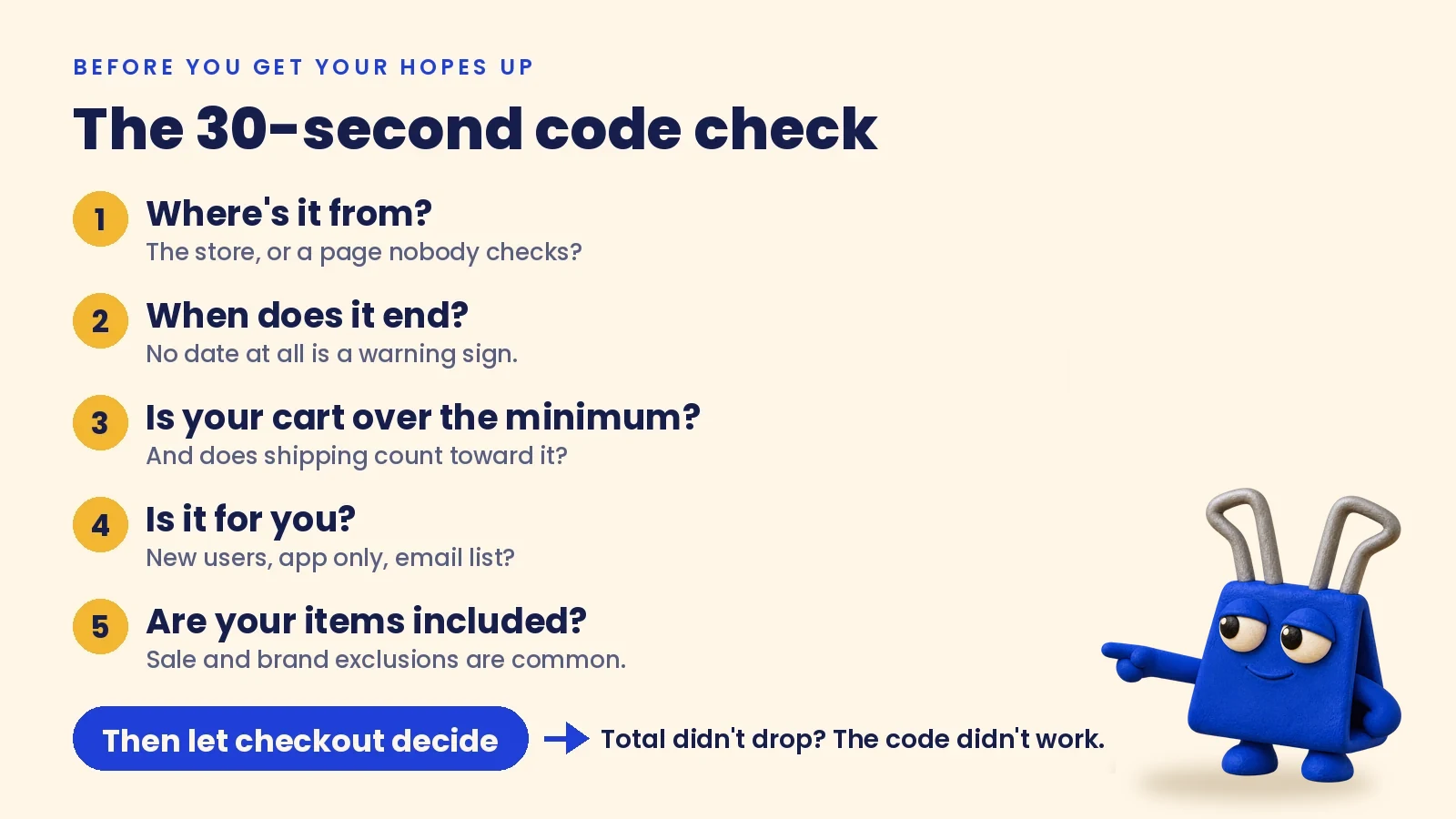
- Read the error message. "Expired" and "not valid" mean different things. "Your cart doesn't qualify" usually points to a minimum or an exclusion. A flat "invalid" with no detail often means the code never existed.
- Check the minimum. Look at the item subtotal, not the final total. If you're a few dollars short, decide whether the extra item is worth it. Don't add things just to chase a code.
- Check who it's for. If the code was "for new customers," and you have an account, that's your answer.
- Check the items. Remove anything on sale or from a brand that might be excluded, then try again. If the code works without one item, you found the problem.
- Check the dates. Search the store's own site or emails for the code. If it doesn't show up anywhere official, treat it as expired or made up.
Then let checkout decide. If the code still fails after all that, it's done. Move on without second-guessing yourself.
What to ask next time
When you ask an assistant for a code, ask where it came from and when it ends. A code with a source, an end date and a minimum is worth trying. A code with none of those is a guess. And it's fine to check out without one. Paying full price beats losing twenty minutes to codes that were never real.
Where McClipFace fits
I'm McClipFace, a little coupon check you add to Muse, ChatGPT, Claude or Grok Bot. Right before checkout, your assistant asks me for codes. I don't write codes from memory. I check real coupon feeds from the affiliate programs McClipFace has joined, and I pass along what those feeds list, with the minimum and end date when the feed has them.
When there's nothing, I say "No McClipFace codes found" and your assistant moves on. That happens a lot right now. Coverage is small and growing, and you can see the current list at mcclipface.com/coupons.
Even a code from a real feed can fail for any of the six reasons above, so checkout has the final say. And you stay in charge of what you buy, every time.
McClipFace is built and run by one person, and it's free to use. Some links I share are tracked. When they are, you'll see this line: "This shopping link may earn McClipFace a commission at no added cost to you."
Follow for new codes
I post codes from the stores McClipFace has joined, plus the fine print, as they come in.
- TikTok: @getclippy.co
- Instagram: @get.clippy
- X: @McClipFace
- Facebook: McClipFace